Session management
Creating a new session
A new session can be created from scratch by launching NaviNIBS and clicking the “New Session” button.
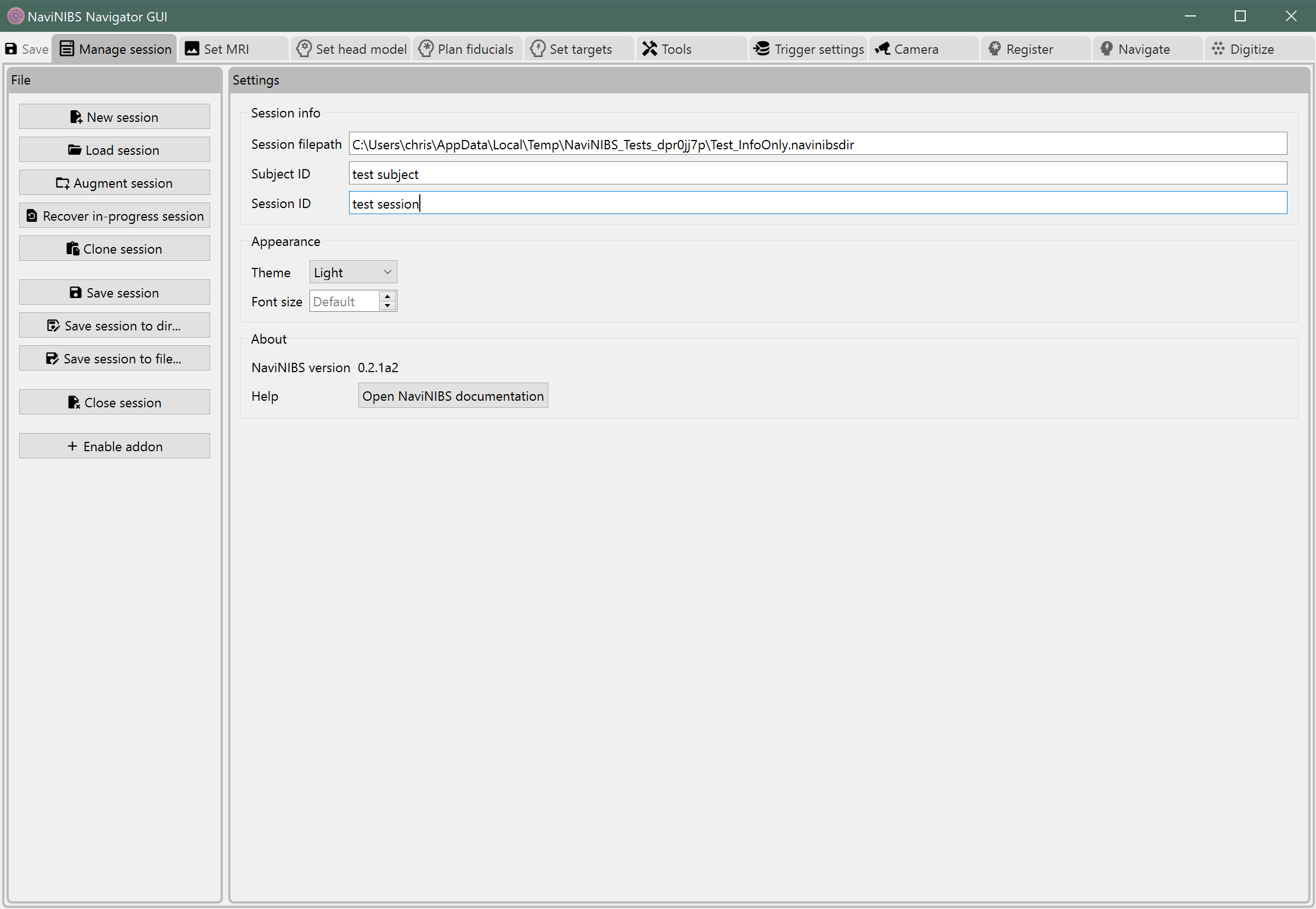
Copying from another session
Copying from a template
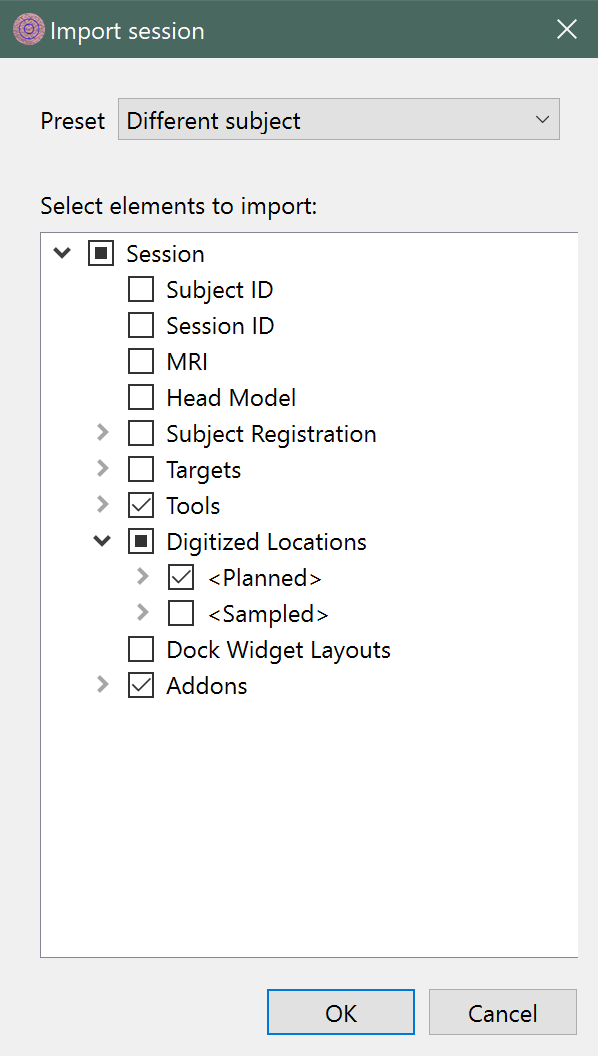
Rather than configuring all settings from scratch for each new subject, it is recommended to set up a template session with common settings (e.g. configured tools, addons, electrode digitization templates) and then copy from that template for each new session.
Create a new session and enter the subject ID and session name.
Click
Copy from session....Select your previously-created template session and click
OK.- Select the
Different subjectpreset clickOK. This preset should already be selected by default if the subject ID is different from the template session.
- Select the
Copying from another session in the same subject
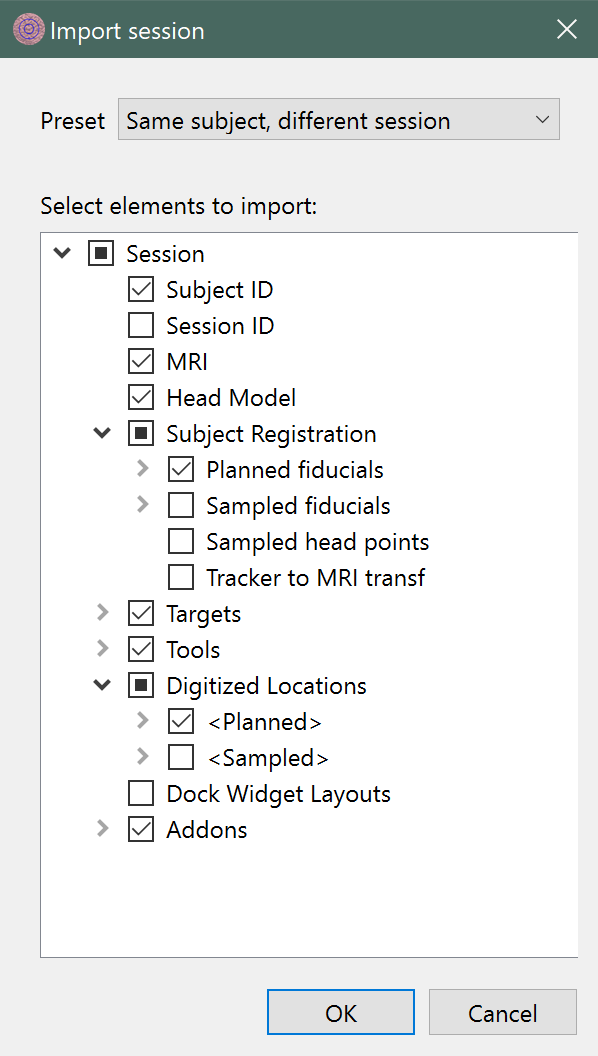
When a subject is returning for an additional session after their first, you can copy relevant settings (e.g. anatomical information, saved targets) from their previous session.
Create a new session and enter the subject ID and session name.
Click
Copy from session....Select the subject’s previous session and click
OK.- Select the
Same subject, different sessionpreset and clickOK. This preset should already be selected by default if the subject ID is the same as the previous session.
- Select the